How Newsifier Handles Website Migrations Without SEO Traffic Loss
November 11, 2025
Learn how our expert-led process has helped over 400 publishers migrate without traffic loss
Let’s begin with the question that’s on every publisher’s mind:
“What will happen to my Google traffic if I migrate my website?”
It’s one of the most common concerns we hear — and it’s a valid one.
When a migration is handled poorly, the consequences can be severe. We’ve seen cases where publishers lost a significant portion of their traffic simply because critical SEO steps were missed during the transition. That’s why website migration is often seen as a high-risk move.
But when done correctly, a migration doesn’t just preserve your SEO — it can actually enhance it.
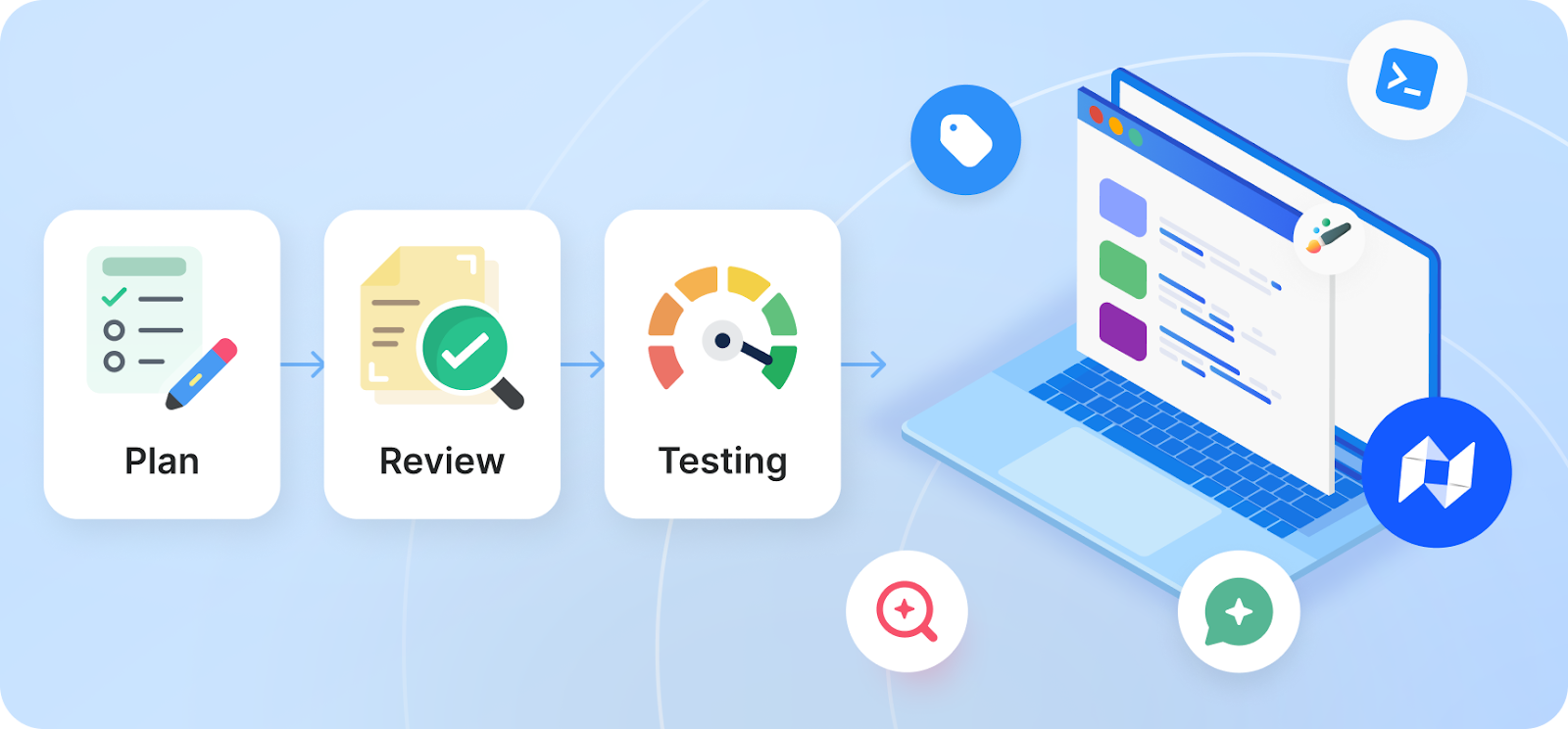
At Newsifier, we’ve developed a migration process tailored specifically for news publishers, with SEO safety and performance at its core.
Our clients migrate without traffic loss and often see improved performance within weeks.
The most important rule in SEO migration: follow a thorough process
The #1 factor that determines whether your SEO traffic stays intact during a migration?
👉 The quality of the process.
At Newsifier, we treat every migration as a high-stakes technical project. Every step is planned, tested, and verified before launch. That’s why 100% of publishers who moved to Newsifier kept their Google traffic intact.
One of the most critical parts of that process? Redirects.
When you move from one CMS to another, your URLs often change. That’s not a problem — as long as we tell Google where each page has moved. We do that using what's called a 301 redirect, which passes the SEO value from the old page to the new one.
Without proper redirects, Google thinks your old pages have disappeared. With them, it seamlessly follows the new path — and your rankings stay intact.
Later in this article, we explain how redirects are handled to avoid this risk during a migration.
However, redirects are just one part of the equation. A truly SEO-safe migration involves dozens of small but important steps. We've built a process to get all of them right.
Why do website migrations often go wrong?
Website migrations are more than just moving content from one system to another — they involve dozens of technical steps that all need to be done right.
When even one of those steps is missed or mishandled, it can lead to a massive drop in SEO traffic and visibility in search.
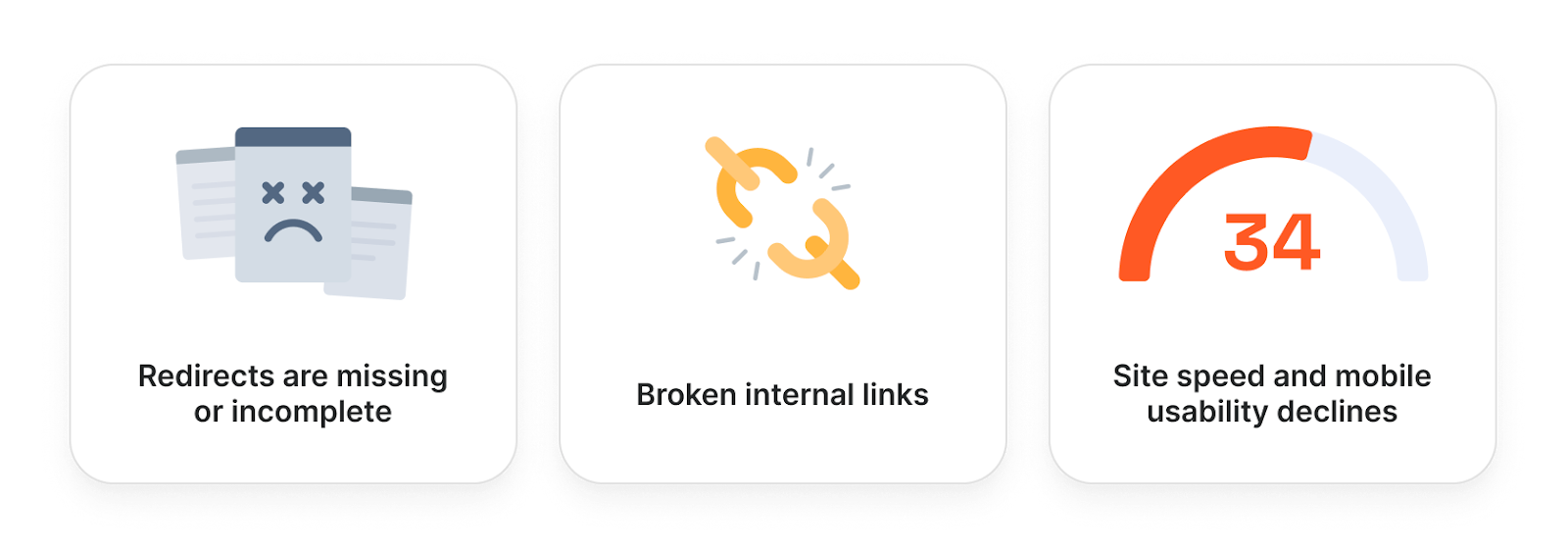
Here are some of the most common issues that cause SEO traffic to drop after a migration:
Redirects are missing or incomplete If old URLs aren’t correctly redirected to their new versions, Google can’t follow the trail — and traffic disappears.
Internal links break Links between articles or categories stop working, which makes it harder for Google and readers to navigate your site. This often occurs when internal links still point to old URLs, categories, or ID-based paths that no longer exist after the migration.
Important pages are accidentally blocked or hidden Settings like "noindex" tags or a misconfigured robots.txt file can prevent Google from crawling or indexing key content. This typically happens when staging or development settings are pushed live without being reviewed for production.
Structured data or metadata gets lost If key SEO elements like page titles, descriptions, or schema markup aren’t preserved, your content may rank lower or appear less prominently in search. This usually happens when metadata fields or schema logic aren’t properly mapped between the old and new CMS.
Site speed or mobile usability declines A slower site or one that doesn’t perform well on mobile can hurt rankings, especially with Google’s mobile-first indexing. This often occurs when the new setup introduces heavier scripts, unoptimized images, or weaker caching compared to the previous platform.
It’s a delicate process. Even small missteps can have a big impact.
How Newsifier ensures zero SEO loss
At Newsifier, we’ve refined this process over 400+ migrations, learning from every edge case and challenge.
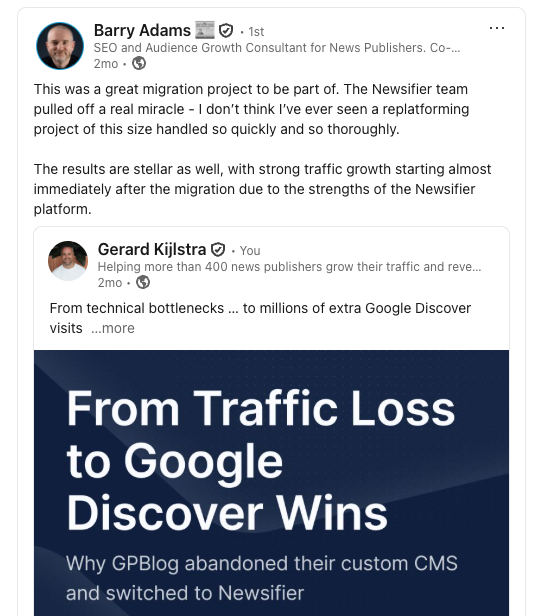
We worked closely with Barry Adams, a global authority in news SEO, who has helped us refine and stress-test our migration process (see his LinkedIn post below about the migration of GPBlog). This ongoing collaboration with top SEO experts ensures our approach stays current and bulletproof.
We work exclusively with news publishers, so our approach is built around the unique technical and editorial structures of news websites. It's been tested in high-stakes environments where even a small SEO error can have a big impact.
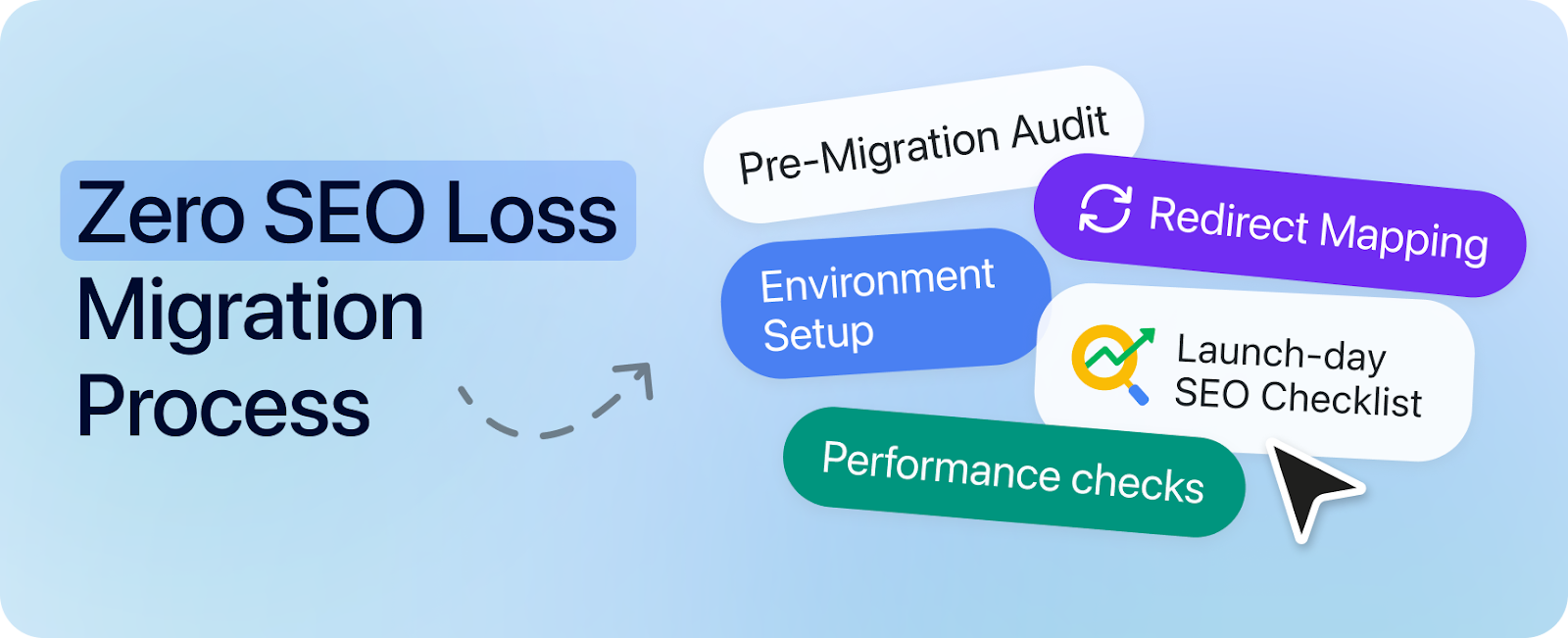
Our process includes:
Pre-migration audit We review your current setup in detail: URL structure, internal linking, metadata, crawlability, indexing patterns, and more. This gives us a clear map of what needs to be preserved and improved.
Complete redirect mapping Every URL on your old site is mapped to its equivalent on the new site. This ensures no SEO value is lost and that users (and Google) always end up in the right place.
Staging environment setup We set up a full test version of your new site so you can explore, test, and approve everything — from layout to links —before going live.
Launch-day SEO checklist Our team runs through a comprehensive list that includes checking robots.txt, XML sitemaps, canonical tags, indexing settings, structured data, and more — all tailored to news SEO.
Post-launch performance checks After launch, we verify your site’s health in Google Search Console, fix any crawl errors immediately, and monitor your indexing status closely over the following 14 days.
🛠️ How we avoid the common migration pitfalls
We know where migrations usually go wrong — and we’ve built our process to avoid every single one:
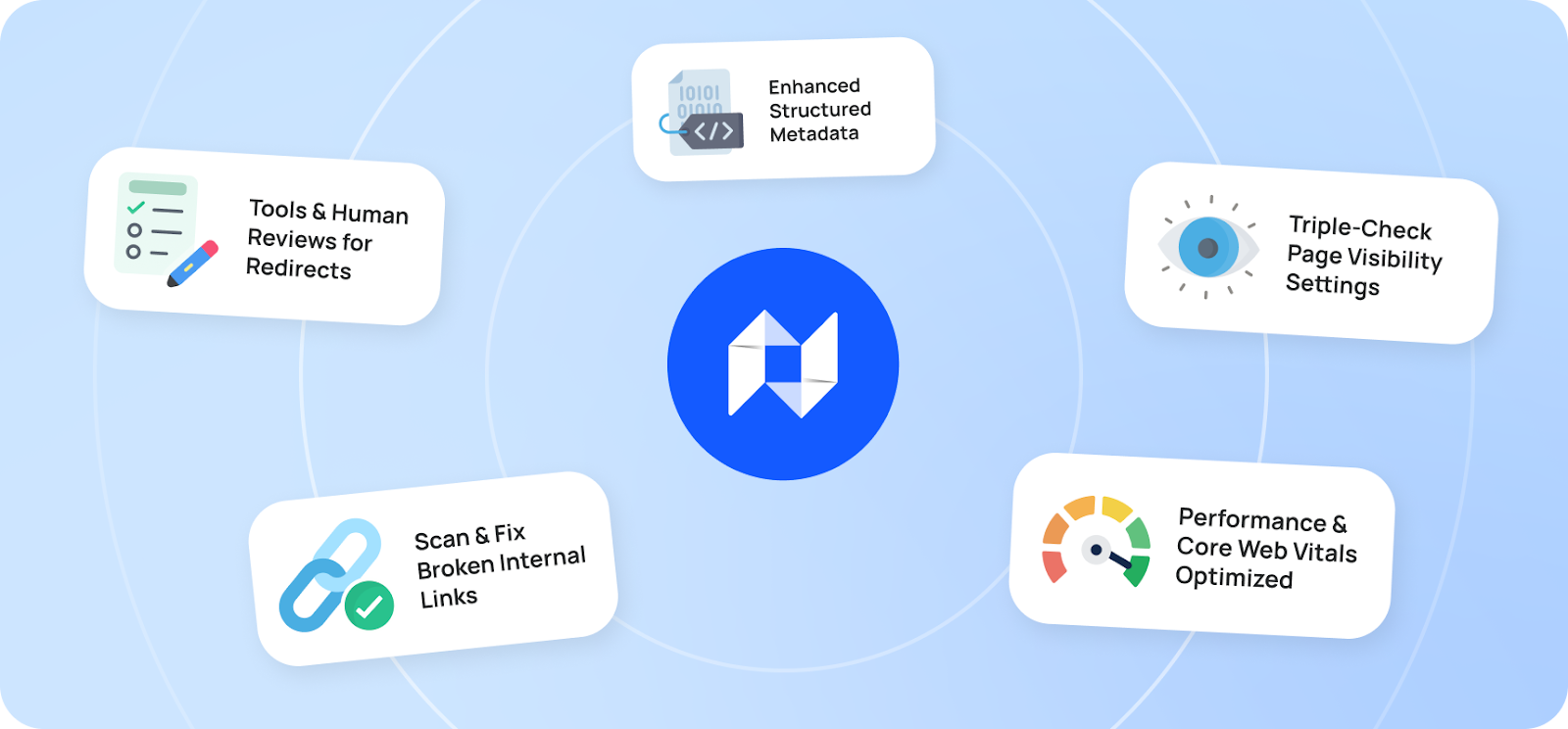
Redirects? We use automated tools like Screaming Frog and human review from our internal SEO-experts to ensure full coverage.
Internal links? We scan for and fix any broken links caused by URL changes.
Metadata and structured data? We make sure it’s preserved — and even enhanced where possible.
Noindex or blocked pages? We triple-check visibility settings to avoid de-indexing issues.
Performance? We ensure the new site matches or exceeds the old one in speed and mobile usability — especially important for Core Web Vitals.
How we boost your SEO during the migration
A migration is a perfect time to clean house and improve things that were holding your SEO back.
Here are some upgrades we commonly make as part of the switch:
✅ We hide thin tag pages — pages that exist but have little content, which can hurt SEO. This improves crawl quality.
✅ We auto-tag your articles using AI, so content gets better classification and internal linking.
✅ We improve crawlability by cleaning up your robots.txt file and sitemap.
✅ We fix canonical tag issues, so Google knows which pages to index.
✅ We remove broken links and optimize internal link structure.
All of this means that after the migration, your site isn’t just preserved — it’s better.
What actually happens during a Newsifier migration?
Migrating your website to a new CMS can feel overwhelming, but with Newsifier, it’s a structured, guided process from start to finish.
We’ve fine-tuned every step so you keep your SEO, your ads, and your peace of mind.
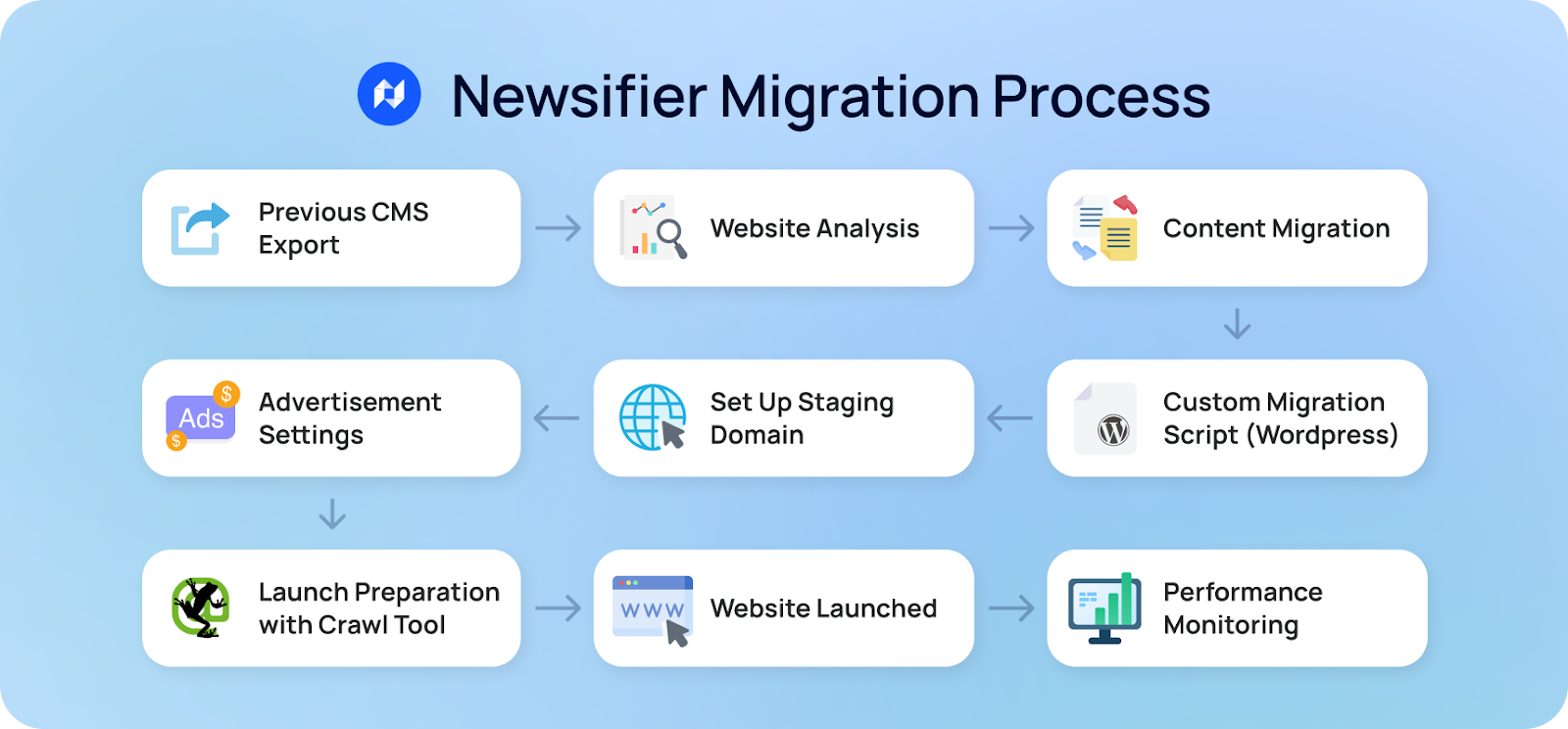
You send us an export of your website data For most CMS platforms (especially WordPress), this means a full SQL export. Don’t worry — we’ll guide you through it.
We analyze and prepare your data Our expert team reviews all your articles, images, tags, categories, authors, and embedded content (social posts, videos, etc.).
We migrate your content into Newsifier We handle:
Articles and headlines
Tags and categories
Images and embedded media
Author profiles
Metadata and publish dates
For WordPress sites, we use our own custom migration script This automates much of the heavy lifting and ensures accuracy. But can also make migration scripts to migrate for any other CMS.
We set up your site on a staging domain You can check everything, test links, and give feedback before launch.
You can set up your Ads with your advertising agency on the staging domain We have detailed guides for your advertising agency on how they can set up the Ads on your website and can assist with this as well, so your advertising revenue will be maximized.
The day before the launch We use the special crawl tool from Screaming frog to make sure there are no errors.
Launch day: we handle the switch
DNS is updated
Redirects are applied
Google is notified
Sitemap is updated in Google Search Console
After launch, we monitor everything
We check Google Search Console to make sure all pages are indexed
We run crawl checks and performance audits
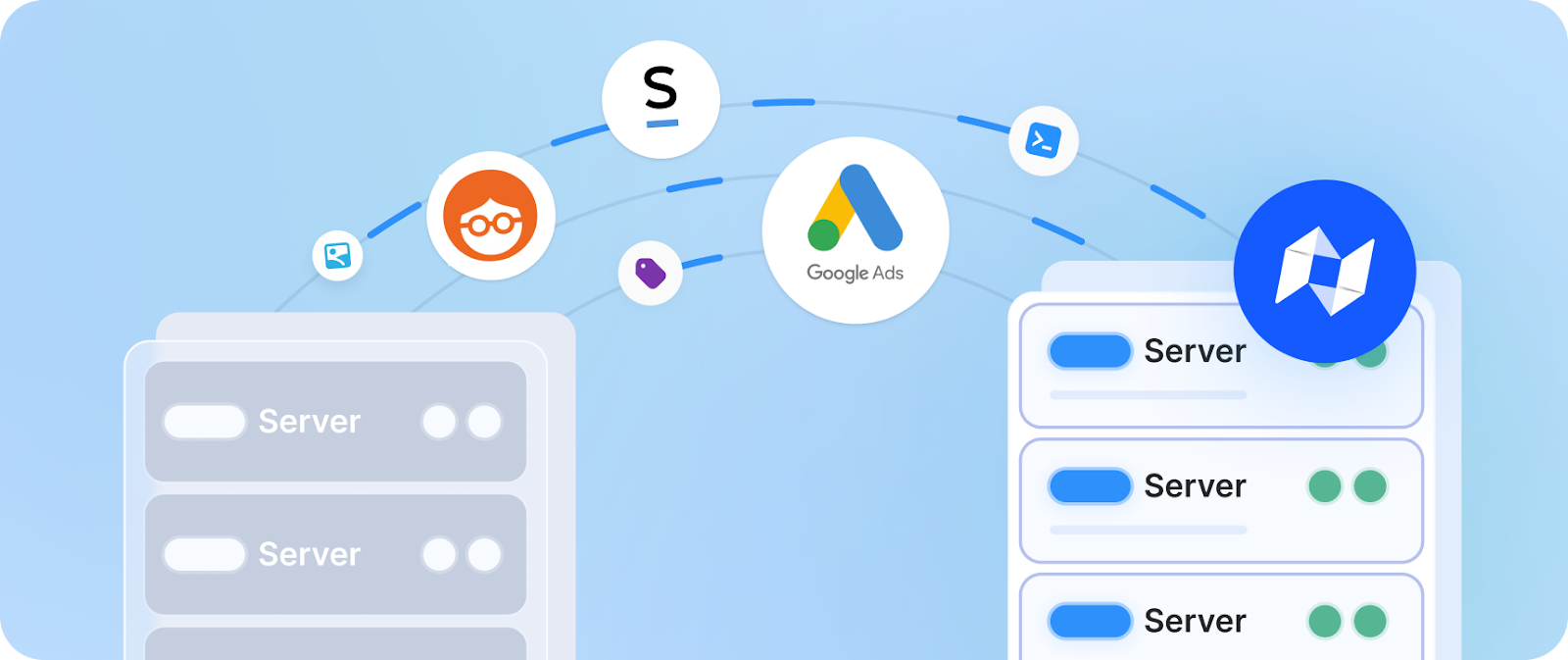
You can also migrate your Ads and other key integrations
Your monetization setup is just as important as your content.
✅ You or your advertising agency can easily migrate your entire ads setup, whether you use Google Ad Manager, Outbrain, Strossle, or another provider. Our team will assist you with this.
✅ Custom ad positions? No problem. We’ll make sure everything works just like before — or better.
✅ We also migrate landing pages, static content, and any custom integrations you’ve built.
FAQ: Everything else you might be wondering
Will my images be migrated? Yes — all images in articles, galleries, and metadata are included.
What about my comments and author info? Yes — we migrate author bios, publish dates, and all approved comments.
Will social media posts and YouTube embeds still work? Yes — embedded X (Twitter), Instagram, Facebook, and YouTube content is fully supported and migrated in Newsifier.
Will my ads still show after the migration? Yes — we migrate all your ad units and positions, and we work directly with your ad provider if needed to ensure a smooth transition.
Is it possible to also migrate the subscribers of my OneSignal or other web push account? Yes — we have native integrations with OneSignal, WebPushr and Firebase. So for these web push providers you can migrate your existing users with a few clicks
Final thoughts: Migration doesn’t have to be scary
SEO loss during migration is avoidable — if the process is done right.
At Newsifier, we’ve helped 400+ news publishers migrate without losing traffic. Ready to make the switch? Book a migration consultation and contact our team to discuss your site.
Free SEO Audit of your news website
Keeping up with Google guidelines and launching new features to stay ahead of the competition can be costly and time-consuming
Thank you! Your submission has been received!
Oops! Something went wrong while submitting the form.
Do you find this blog post interesting?
Subscribe to our monthly newsletter and receive valuable tips for online publishers
Thank you! Your submission has been received!
Oops! Something went wrong while submitting the form.


.png)